March - June 2026
MAX-Control: unified communications control center
MAX-Control is a working project with a limited feature set. I developed the product concept and implemented the core functionality required by the client: the management panel, authentication and roles, MAX bot integration, chat management and support request handling.
I presented the project at an industry forum, representing the company and my own development work. I prepared a walkthrough from the management overview to chats, support requests, permissions and AI workflows. Company identity, contact details and participant information are omitted from this public case.
Forum presentation
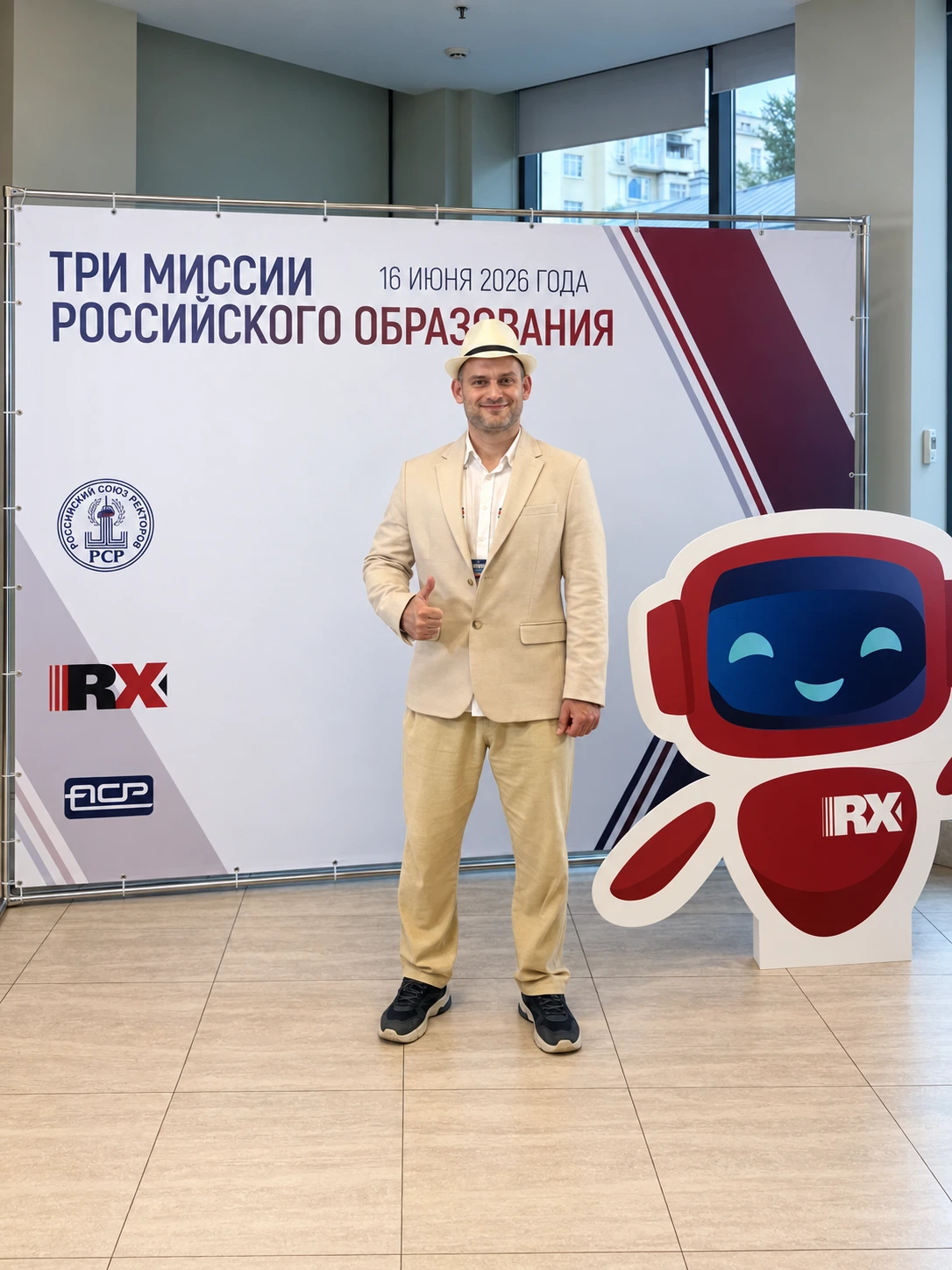
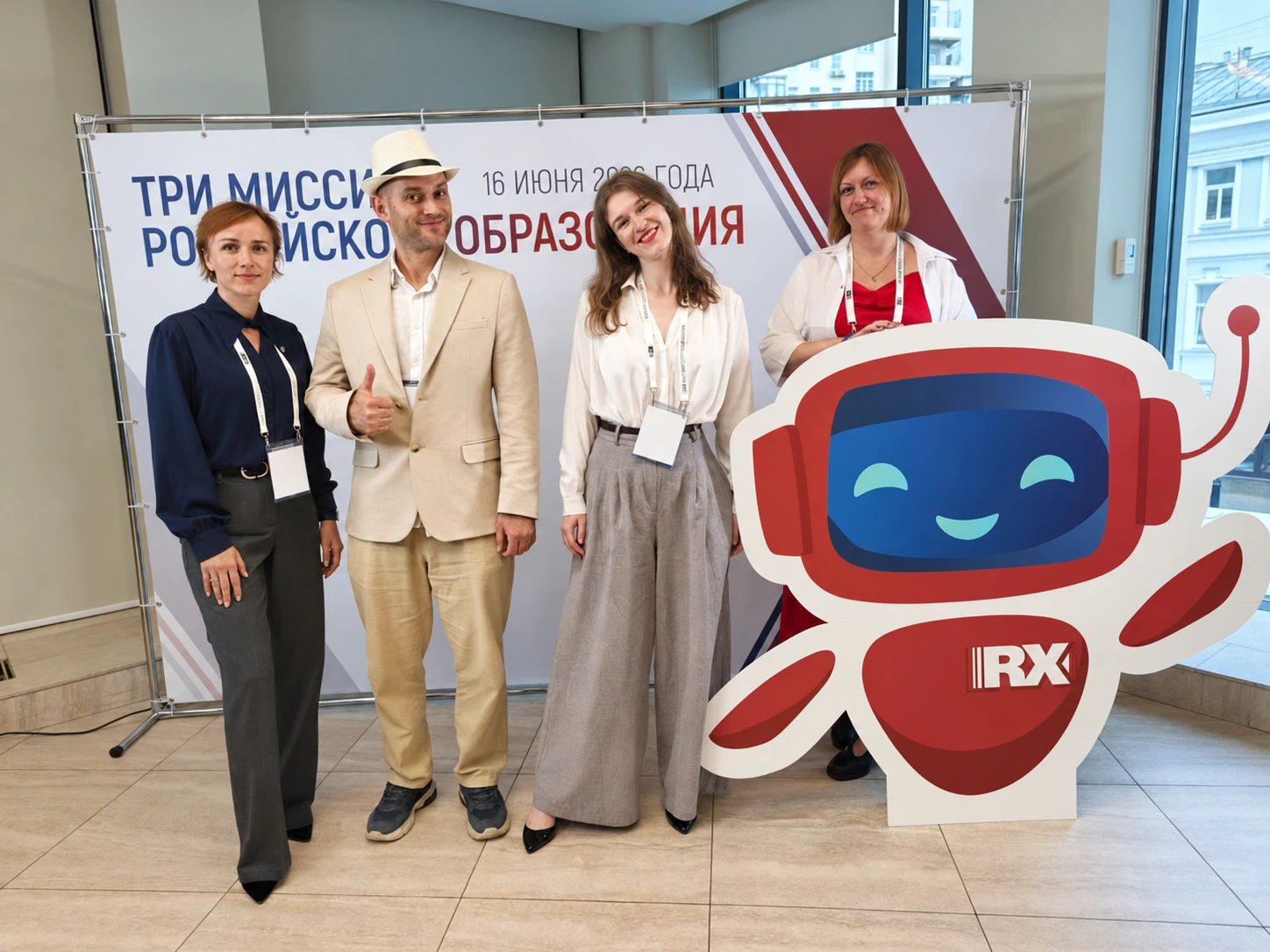
I presented MAX-Control at the “Three Missions of Russian Education” forum on June 16, 2026.
Project interface
15 current screens show the optimized navigation and chat workflows. New demo screenshots are combined with native captures of privacy-sensitive views from an isolated local copy, using synthetic participants, contacts and identifiers. Company names and working URLs are concealed. Metrics illustrate the interface rather than deployment outcomes. The application UI is in Russian.
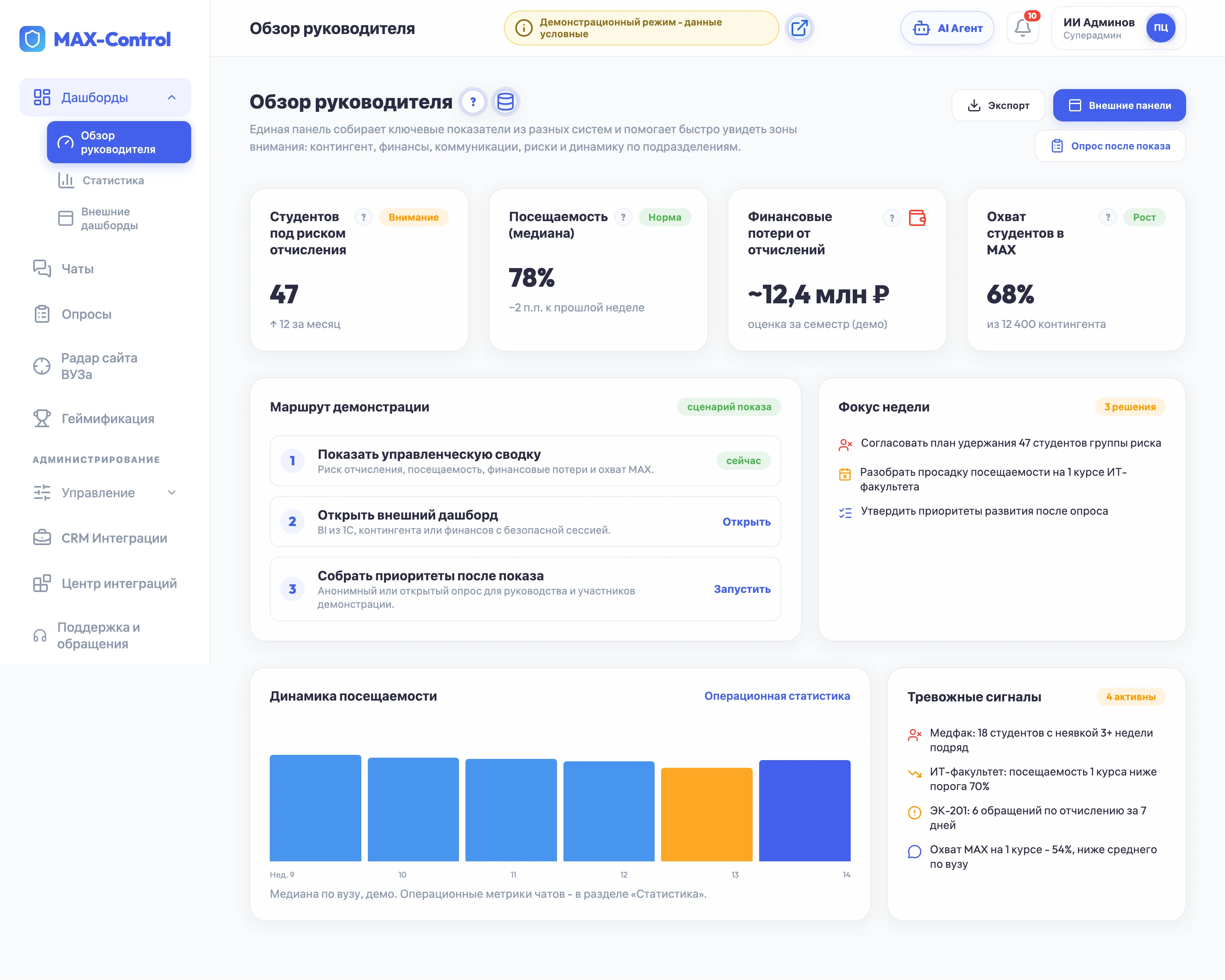
Actual project screens with fictional participants and no personal data.
The problem it addresses
With many chats and bots, requests get lost in conversations, permissions are managed separately and managers struggle to see workload and risks. MAX-Control brings channels, participants, roles, tickets and indicators into one interface. The architecture provides for connecting MAX, Telegram, WhatsApp and other messenger chats through bots and integration adapters, allowing conversations and requests to be managed from one window. Available actions depend on the messenger API and bot permissions.
From an idea to a working project
| Stage | Outcome |
|---|---|
| Product concept | Defined roles, core problems and communication management workflows |
| Interface | Built connected modules and a demonstration route for different roles |
| Backend | Added PHP API and separate JSON stores that retain changes |
| MAX integration | Implemented webhook handling, history, messaging, replies and media |
| Support | Connected the guest bot workflow to support tickets in the panel |
| Public presentation | Presented my own development work at a forum on behalf of the company |
What I implemented
- Authentication and users. Login and password, QR access, sessions, account creation and editing, profiles and roles.
- Chats and bots. A connection registry, participants, history, settings, bot permissions, filters, sorting and activity indicators.
- Working MAX integration. Webhook events, message sending, replies, live chat history, attachments and server-side media proxying.
- AI management through an assistant chat. I developed a dedicated AI-bot conversation window with natural-language requests, quick workflows, voice input and report viewing. The assistant provides summaries from accessible modules and prepares configuration changes for confirmation.
- Video meetings and post-meeting reports. I designed a video-meeting workflow with transcription and a subsequent report covering the summary, decisions, risks and tasks. Results are available within the AI assistant so discussions can lead to follow-up actions.
- Guest workflow. Bot onboarding, contact request and navigation to a demonstration group and panel access.
- Support. Guest messages become tickets; operators see the request and history, update statuses and handle the ticket.
- Persistent state. Modules are stored separately in JSON, updated through the API and retain changes after reloading. Demo data can be reset for presentations.
- Deployment preparation. Local fonts, icons and QR generation, a server deployment package and protection of system files from direct access.
Demonstration modules
I also developed a management overview, operational statistics, surveys, engagement, moderation, website radar, CRM workflows, external dashboards and an AI assistant. These modules illustrate proposed processes and support concrete pilot discussions.
Project status: the core functionality required by the client is implemented. The project has a limited feature set: some capabilities are shown for demonstration, and many are planned for further development. Additional messengers, full CRM and AI integrations, video calls with automatic transcription and generation of new reports are part of the development roadmap.
Technical implementation
The interface uses HTML, CSS and JavaScript. PHP endpoints handle authentication, modules, the live bot, support and external panels. Project data is stored in separate JSON files; writes use a temporary file followed by replacement.
Tokens and secrets belong in the server environment or local configuration. The package supports Apache/Nginx and PHP; webhook operation requires public HTTPS and a configured bot. Local assets allow the interface to be demonstrated without CDN dependencies.
My contribution and outcome
I owned the product concept, architecture, interface, backend API, persistent state, roles, MAX integration, support and presentation preparation. At the forum I represented the company and demonstrated my own project.
The result is a working project that addresses the client's core chat, bot and support request management needs. The project covers the required functional scope; other designed capabilities are planned for subsequent stages.